


1. What “Customer Data” Really Means (In Plain Language)
Before you can protect customer data, you need to know what it actually is.
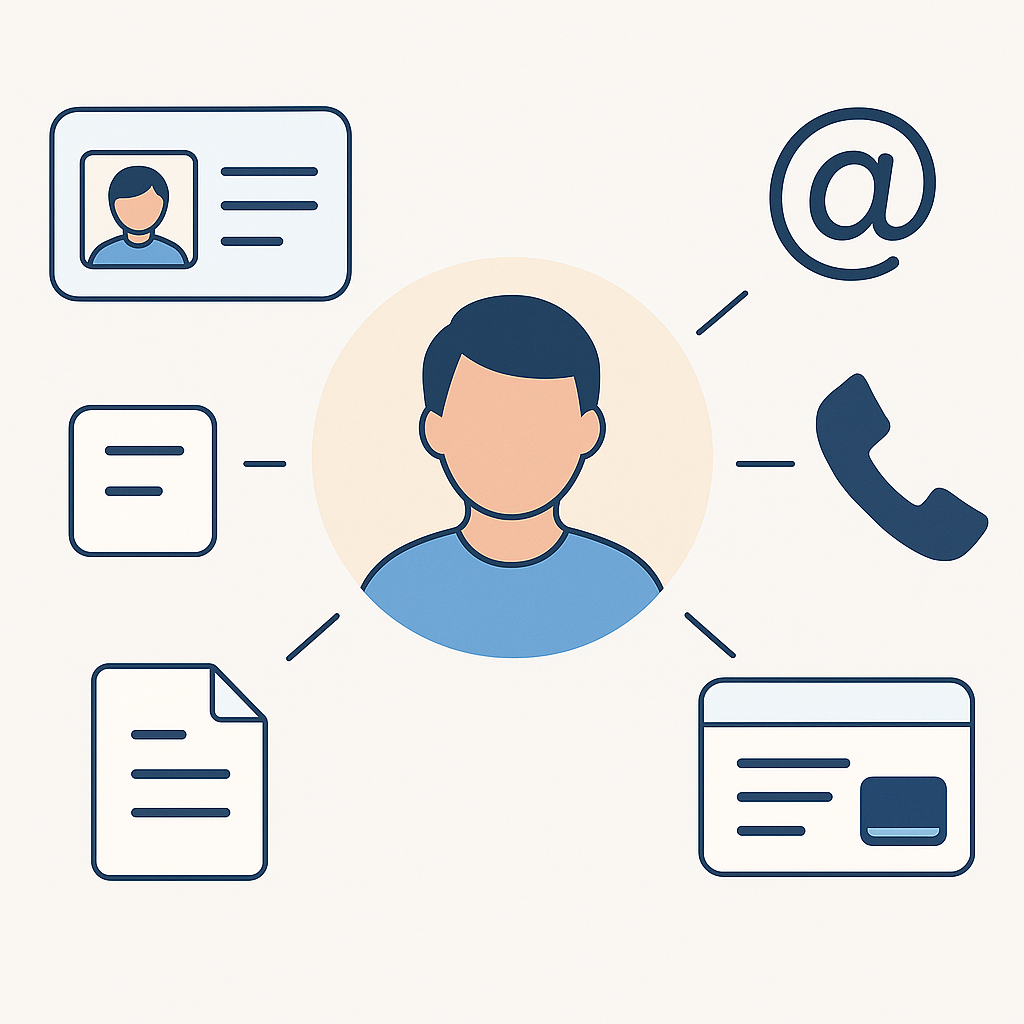
Customer data is any piece of information that can identify or describe your customer, such as:
- Names and surnames
- Email addresses and phone numbers
- ID numbers, tax numbers, or company registration details
- Physical addresses and delivery details
- Payment information (even partial card details or proof of payment slips)
- Login details for your portals or apps
- Support tickets, chats, and call notes
- Documents they share with you (contracts, invoices, photos, etc.)
If a customer would be upset or uncomfortable seeing that information on the internet, it’s sensitive enough to protect.
Key mindset:
Customer data is not “IT’s problem”. It’s a trust asset. Losing it damages your reputation, not just your systems.
2. Your Role as a Non-Technical Leader
You don’t need to configure firewalls or write code. Your role is to:
- Set the standard: “We take customer data seriously here.”
- Ask the right questions: “Show me how we protect this.”
- Approve the right investments: tools, training, and secure processes.
- Hold people accountable: internal teams and external suppliers.

Think of it like health and safety in a factory. You may not operate the machines, but you insist on safety rules, inspections, and reporting. Cybersecurity works the same way.
3. Five Simple Principles to Protect Customer Data
You can use these principles as a lens for every decision, even if you never touch a server.
3.1 Know What You Have and Where It Lives
You can’t protect what you don’t know exists.
Ask your team to create a simple list that answers:
- What systems store customer data?
(e.g. CRM, accounting tool, helpdesk system, email, spreadsheets, website forms) - Who has access to each system?
- Is the data stored in the cloud, on a local server, or on laptops/phones?
This is sometimes called a data map, but at minimum, a clear spreadsheet is a powerful start.
3.2 Limit Who Can See What
Not everyone needs access to everything.
Practical actions:
- Give staff access only to the systems and parts they need to do their job.
- Remove access when people change roles or leave the company.
- Avoid “shared accounts” (like one password used by 5 people).
A simple rule:
If someone cannot explain why they need access to a system, they probably shouldn’t have it.
3.3 Use Strong Locks on Your Accounts
Most breaches start with stolen passwords, not “Hollywood-style hacking”.
As a leader, insist on these basics:
- Use a password manager (so staff can have long, unique passwords without memorising them).
- Turn on multi-factor authentication (MFA) wherever possible – that extra code you get via app or SMS.
- Ban reused passwords across systems, especially between work and personal accounts.
You don’t need to know how MFA works technically. Just make “We use MFA” a non-negotiable.
3.4 Keep Systems Updated and Backed Up
Old, unpatched systems are easy targets.
Make sure someone in your business is responsible for:
- Keeping all devices (laptops, phones, tablets) updated
- Applying updates to key software (CRM, accounting, website platform)
- Running regular, tested backups for critical systems and data
Backups should be:
- Automatic (not “when we remember”)
- Stored separately from the main system (so one attack doesn’t wipe everything)
- Tested occasionally (can you actually restore if something goes wrong?)
3.5 Plan for “If Something Goes Wrong”
Incidents happen, even in well-run businesses. What matters is how quickly and calmly you respond.
You should have a simple incident plan that covers:
- Who is the first person to call if something looks suspicious
- Who makes decisions (e.g. taking systems offline, informing customers)
- How you will communicate with customers and staff if there’s a breach
- Which external partners will help (IT provider, legal, PR, cybersecurity specialist)
This doesn’t have to be a 50-page document.
Even a 1–2 page playbook is far better than trying to “figure it out on the day”.
4. A Plain-Language Security Checklist for Your Next Meeting
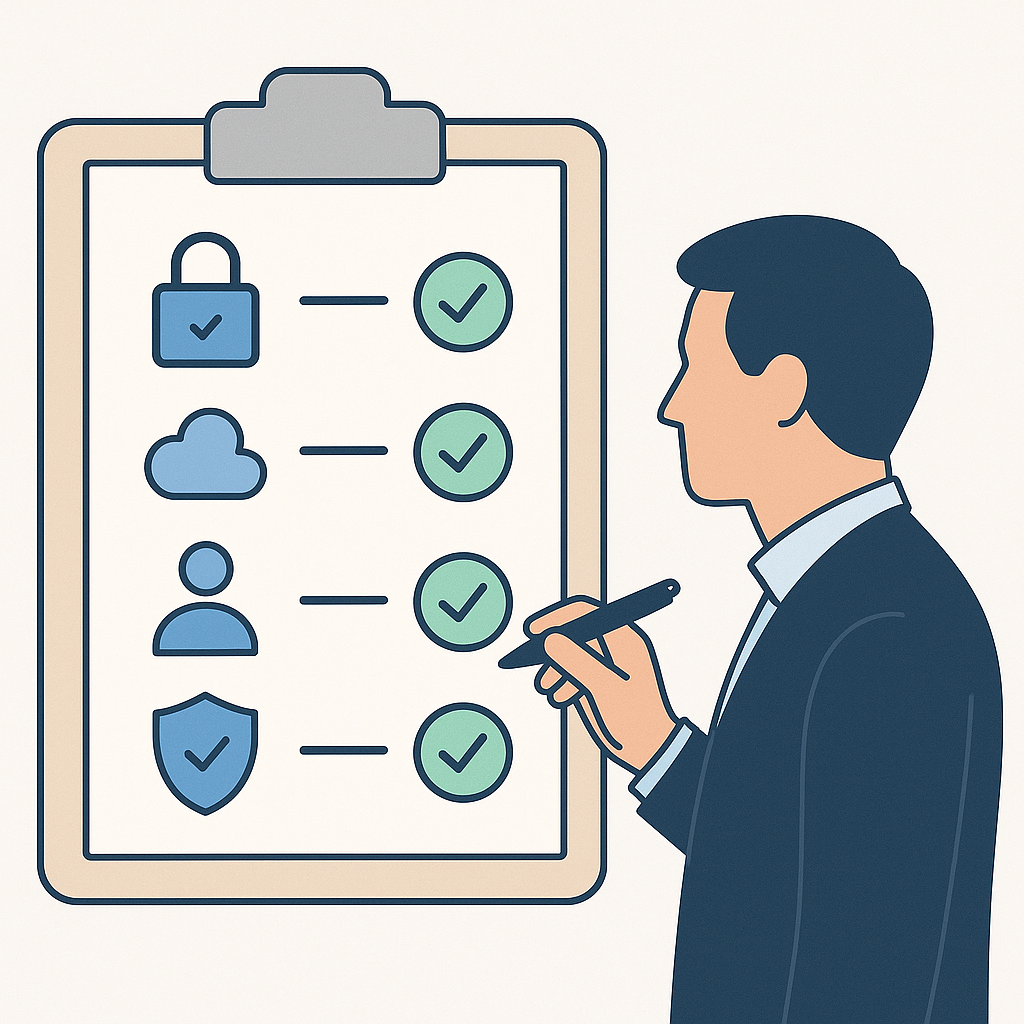
Use this checklist with your IT team, external provider, or internal operations lead:
- Data Inventory
- Do we have a list of all systems that store customer data?
- When was it last updated?
- Access Control
- Who has admin access to each system?
- Do we regularly review and remove old access?
- Passwords & MFA
- Are we using a password manager for the team?
- Is MFA turned on for email, CRM, accounting, and cloud platforms?
- Devices & Updates
- Are company laptops/PCs protected with a screen lock and disk encryption?
- Are software and systems updated regularly?
- Backups
- What exactly is backed up, and how often?
- When was the last time we tested restoring from a backup?
- Staff Training
- Have staff been trained on spotting suspicious emails and links?
- Do they know who to report to if something feels off?
- Vendors & Partners
- Do our key suppliers sign data protection or security commitments?
- Do our contracts say what happens if they are breached?
5. How to Talk to IT and Vendors Without the Jargon
You don’t have to understand every acronym. You just have to ask clear questions and expect clear answers.
Here are some questions you can use:
- “In simple terms, how are we protecting customer data in this system?”
- “If someone stole a staff member’s laptop, what information could they access?”
- “If this system went down or was hacked, how long would it take us to recover?”
- “Do you store data in line with our local privacy laws (like POPIA/GDPR)?”
- “How quickly would you tell us if there was a breach on your side?”
If you get answers that feel vague or full of jargon, ask:
“Can you explain that as if I’m a non-technical business owner? What are the risks and what have we done about them?”
Clarity is part of good security.
6. Building a Security-Conscious Culture (Not a Culture of Fear)
Most cyber incidents start with a person making a simple mistake, not with a “bad employee”.
As a leader, your goal is to create a culture where people:
- Feel comfortable asking, “Is this email real?”
- Report mistakes early, instead of hiding them out of fear
- Understand why security matters, not just “because IT said so”
Practical steps:
- Run short, simple training sessions once or twice a year
- Share real-world examples (without naming and shaming)
- Celebrate staff who spot and report suspicious activity
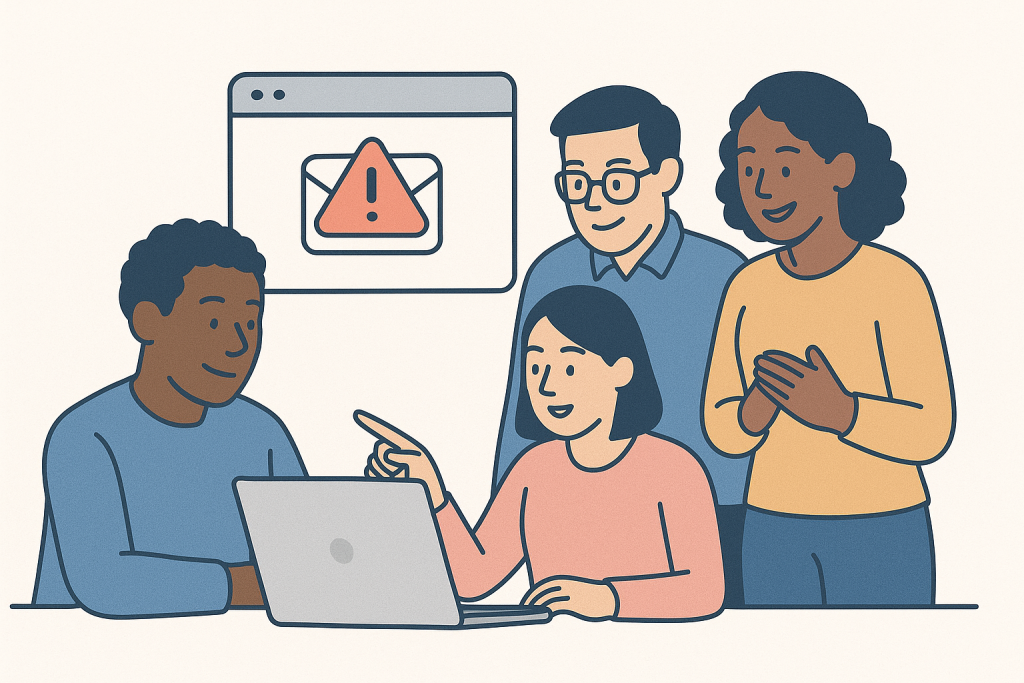
Security culture starts with you. If leadership takes it seriously, your team will too.
7. Your Next Three Simple Moves
You don’t have to fix everything this week. Start with three practical actions:
- Schedule a 30–60 minute meeting with whoever handles your IT or systems and go through the checklist in Section 4.
- Mandate MFA and a password manager for your key business systems. Treat this as “seatbelts for your business”.
- Ask for a simple one-page data protection summary: where your data lives, how it’s protected, and what happens if things go wrong.
From there, you can improve gradually, with far less stress and far more confidence.
That’s cybersecurity leadership without the buzzwords: clear responsibilities, simple tools, and a culture of care around customer data.