


Launching a startup doesn’t fail because the idea is bad.
Most often, it fails because the operations are chaos.
Invoices live in WhatsApp. Tasks live in your head. Branding is “coming soon.” Contracts are screenshots. No one knows who’s meant to do what by when.
The good news? You don’t need a huge tech stack or a legal team to get started.
You just need a lean system that helps you look professional, stay organised, and get paid.
This guide walks you through a simple, battle-tested setup using:
- Zoho Books – invoicing & finances
- Canva – branding & visuals
- Trello or Notion – task and project management
- Google Workspace – professional email & domain
- Plus a few legal/admin basics every startup should take seriously from day one.
1. Before the Tools: Clarify Your Startup Foundations
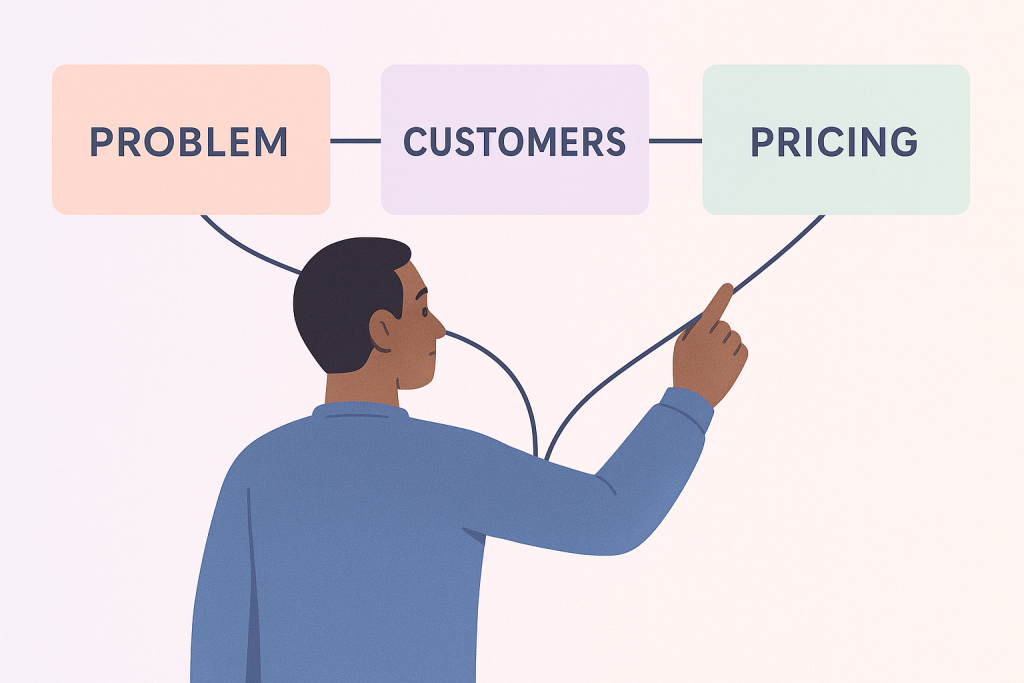
Before you open a single app, get these three questions answered.
1.1 What problem are you solving?
Be specific and boringly clear:
- Not: “We’re disrupting the services space.”
- But: “We help small businesses get a website live in 7 days without technical headaches.”
- Or: “We help logistics companies see their routes and drivers in real time.”
This clarity shapes your messaging, branding, proposals, and even how you structure your invoices.
1.2 Who are you serving?
You don’t have to lock into a tiny niche forever, but early on you should at least know:
- Are you targeting startups or established businesses?
- Are your decision-makers typically founders, operations managers, or marketing leads?
- Are they local, remote, or global?
This directly affects how you write emails, design your site, and price your offers.
1.3 How are you charging?
Keep it simple at the start:
- Project-based packages (e.g. “MVP Website Package”, “Brand Starter Kit”, “Marketing Launch Sprint”)
- Or monthly retainers (e.g. “Ongoing support & updates”, “Marketing management”, “Maintenance plan”)
Decide now:
- Do you charge 50% upfront, 50% on completion?
- Are there milestones?
- What happens if a client delays feedback?
Once you answer these questions, the tools below become a system, not a random app graveyard.
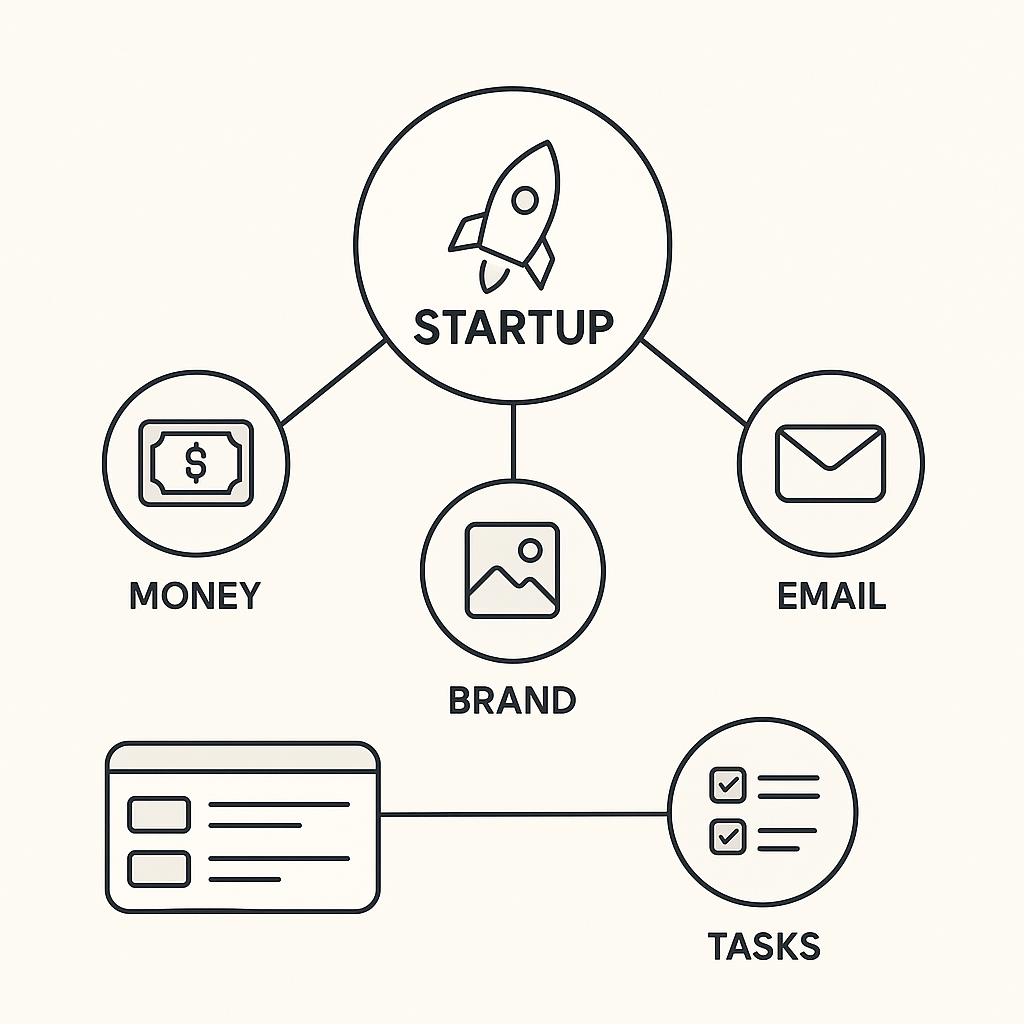
2. Money, Branding, Tasks, Email: Your Lean Startup Stack
2.1 Get Paid Properly: Zoho Books for Invoicing & Finance
Your startup is not real until someone pays you.
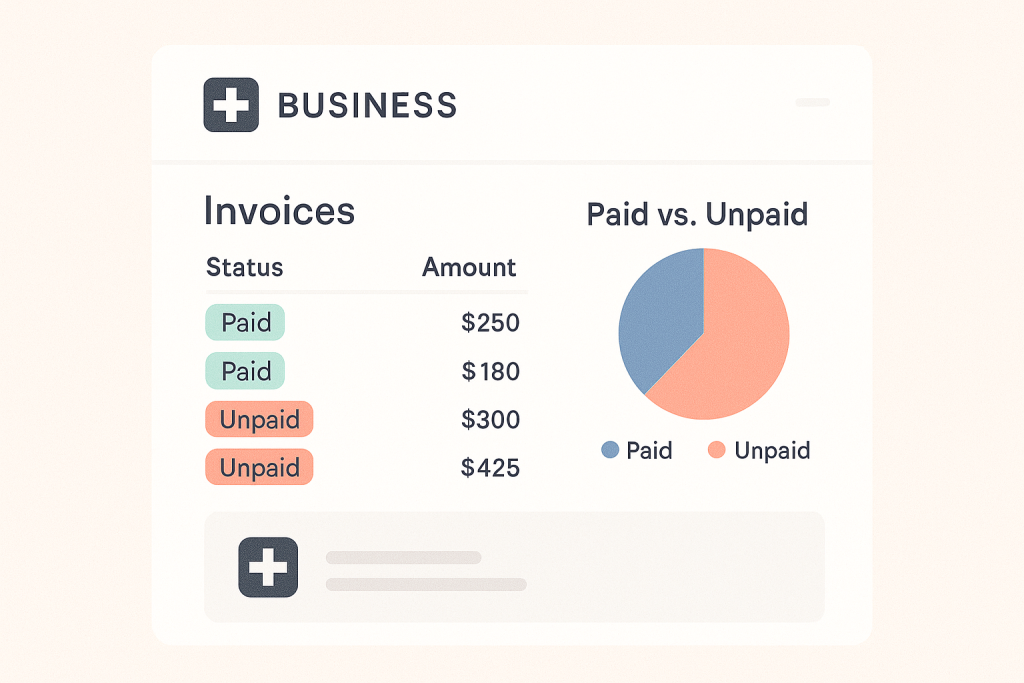
Zoho Books gives you a professional, simple way to:
- Create clean, branded invoices
- Track who has paid and who’s overdue
- Send automatic reminders (so you don’t spend your life chasing money)
- Record expenses and stay ready for tax season
Set it up like this:
- Add your company details and logo.
- Create standard invoice templates for:
- Project-based work
- Retainers or monthly subscriptions
- Add your payment terms:
- Due on receipt / 7 days / 14 days
- Late payment rules (e.g. work pauses after X days overdue)
Make Zoho Books the single source of truth for who owes what and when.
2.2 Look Like a Real Brand: Canva for Startups
You don’t need a full-time designer on day one.
But you do need to look like you take yourself seriously.
Use Canva to quickly build a simple but consistent brand:
- A startup logo (even a clean wordmark is fine)
- A colour palette (2–3 main colours, 1 neutral)
- One heading font and one body font
- Social media templates
- Pitch deck covers and PDF covers
Suggested minimum Canva assets:
- Logo set: horizontal, stacked, and icon-only
- Social tiles: for LinkedIn/Instagram announcements and updates
- Slide template: for investor or client pitches
- One-page PDF template: for offers, proposals, or service overviews
Your goal isn’t “perfect design”.
It’s consistent, recognisable design everywhere a customer sees you.

2.3 Keep Work Under Control: Trello or Notion for Tasks & Projects
Chaos kills momentum. You need one central place where your team can see:
- What’s being worked on
- Who’s responsible
- When it’s due
You can choose Trello or Notion depending on how your team thinks.
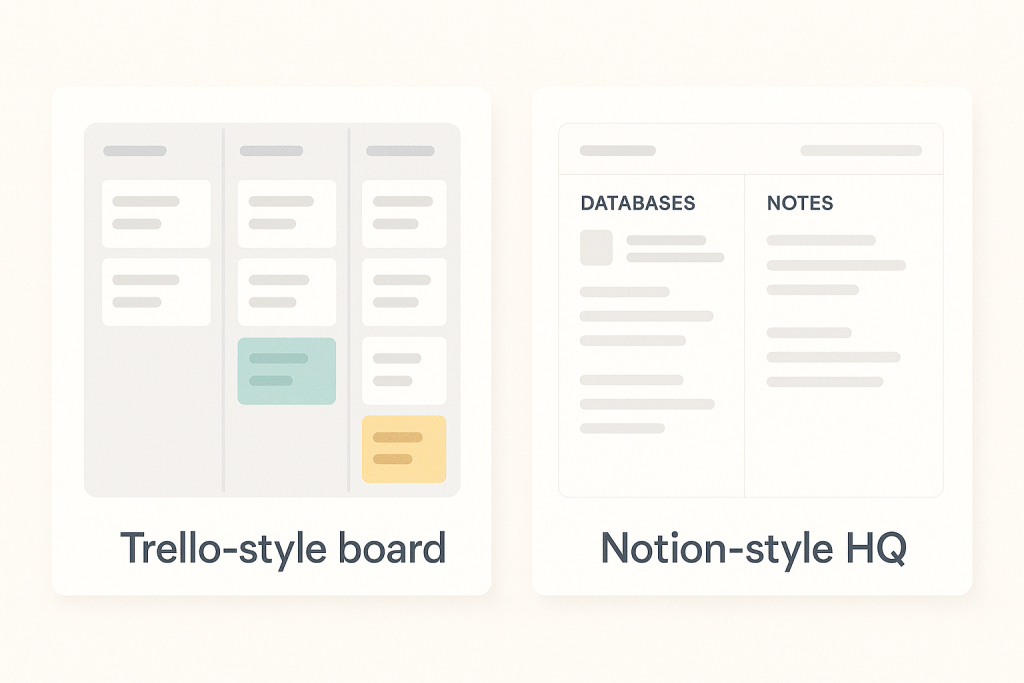
Option A: Trello – Simple, Visual, Drag-and-Drop
Use Trello if you want:
- A visual board for your startup roadmap
- Columns like:
Backlog → This Week → In Progress → In Review → Done - Cards for each task or feature, with:
- Assignee
- Due date
- Checklist items
- Labels like “Product”, “Marketing”, “Sales”, “Ops”
Best for small teams that want quick adoption and minimal setup.
Option B: Notion – All-In-One Startup HQ
Use Notion if you want a more powerful workspace that can become your:
- Task manager
- Meeting notes hub
- Wiki/knowledge base
- CRM for leads and investors
- Content calendar
A simple Notion setup for a startup:
- Tasks database – with fields like Owner, Status, Priority, Due Date, Area (Product/Marketing/Ops)
- Roadmap view – filtered board by quarter or sprint
- Founders’ dashboard – showing:
- Today’s priorities
- This week’s deadlines
- Top metrics or KPIs
Pick one tool and commit to it as “the place where work lives”.
If it’s not on Trello/Notion, it doesn’t exist.
2.4 Look Professional Everywhere: Google Workspace for Email & Domain
Sending an investor email from a free address like yourstartup@gmail.com is… not ideal.
With Google Workspace, you can:
- Use Gmail with your own domain, e.g.
hello@yourstartup.com - Manage calendars, docs, and storage under one business identity
- Share files and collaborate with your team efficiently
Basic steps:
- Register your domain (if you haven’t already).
- Sign up for Google Workspace.
- Connect your domain and follow the DNS/MX setup steps.
- Create key shared inboxes like:
hello@…orinfo@…billing@…for invoicessupport@…once you start serving customers at scale

From a branding perspective, this one move immediately increases trust and credibility.
3. A “Weekend Launch” Plan for Your Startup Stack
Here’s how you could realistically set all this up in 1–2 days.
Day 1 – Brand, Email, and Work Hub
Morning:
- Register your domain (if you haven’t already).
- Set up Google Workspace and create your primary email.
- Create your core email signatures.
Afternoon:
- Jump into Canva:
- Create a simple logo
- Choose your colours and fonts
- Create a few basic templates (social tiles, slide cover, PDF cover)
Evening:
- Choose Trello or Notion as your work hub.
- Create:
- A board or database for tasks
- A basic roadmap (next 30–90 days)
- A few categories: Product, Marketing, Operations, Finance
Day 2 – Money, Systems, and First Processes
Morning:
- Set up Zoho Books:
- Add company details and logo
- Create invoice templates
- Add your first products/services
- Define payment terms
Afternoon:
- Create simple internal processes, for example:
- How a new client gets onboarded
- When you send invoices (e.g. deposit on signing, balance on delivery)
- Where you store documents (e.g. Google Drive + Notion links)
Evening:
- Review everything as if you were a new client or investor:
- Does your email look professional?
- Does your brand feel consistent?
- Can you clearly see what needs doing this week?
- Can you send an invoice in under 2 minutes?
If the answer is “yes” to those, you’re already ahead of most early-stage startups.
4. Legal & Admin Basics Every Startup Should Respect
Quick disclaimer: this is general guidance, not legal advice. Always consult a qualified professional in your country for detailed legal or tax questions.
That said, a few basics go a long way.
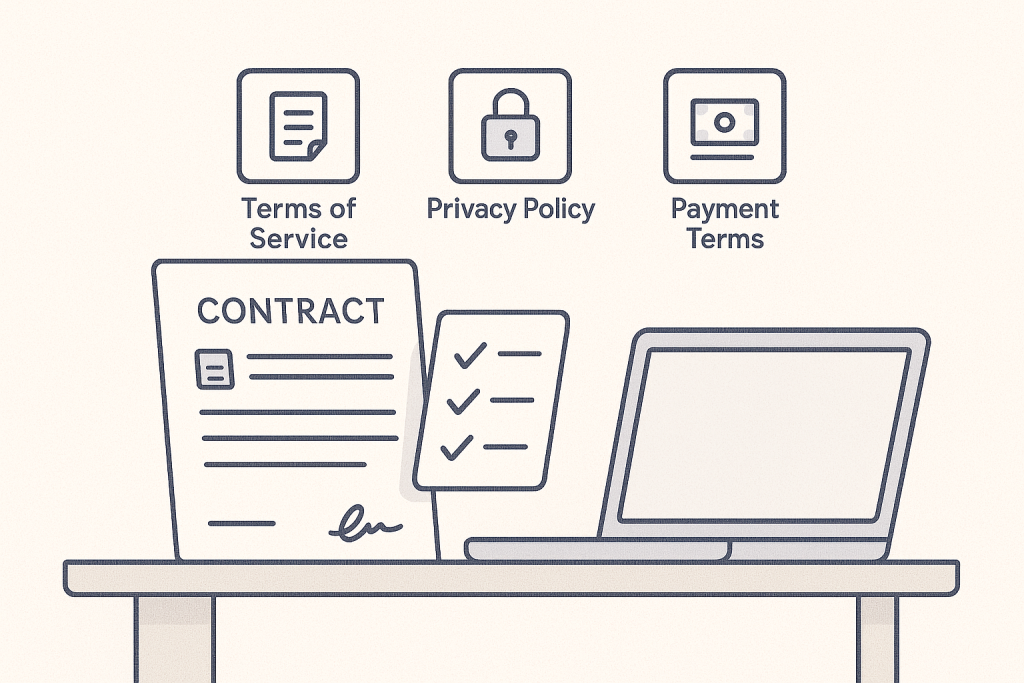
4.1 Use Written Agreements (Not Just Trust)
Even if you’re pre-seed, pre-revenue, or working with friends — put it in writing.
At minimum, your service or project agreement should include:
- Scope of work – what’s included, what’s out of scope
- Timelines & milestones – when things will be delivered
- Payment terms – deposit, milestones, final payment
- Revisions & change requests – how changes are handled and billed
- Ownership & IP – who owns the final work and when that transfers
- Termination – what happens if either party cancels the project
For products/SaaS, you’ll also want clear Terms of Service and a Privacy Policy on your website.
4.2 Protect Your Startup with Clear Policies
As soon as customers or users engage with you, you should have:
- Terms of Service – how your service is used, liabilities, disclaimers
- Privacy Policy – how you collect, store, and use personal data
- Refund/Cancellation Policy – if applicable
These don’t have to be perfect on day one, but they should exist and be visible (usually in your website footer).
4.3 Decide Your Payment Rules Early
To keep your cash flow healthy:
- Charge upfront deposits for projects (30–50% is common).
- For larger projects, break payments into milestones.
- Be explicit about:
- What triggers each payment (e.g. “design approved”, “MVP deployed”)
- What happens when payments are late (e.g. work pauses after X days)
Use your accounting tool (like Zoho Books) to:
- Send invoices on time
- Automate reminder emails
- Track overdue accounts without manual spreadsheets
4.4 Separate Your Money
Even if you haven’t formed a full company structure yet:
- Open a separate bank account for the startup.
- Run all income and expenses through that account.
- Connect it to Zoho Books or your chosen finance tool.
You’ll thank yourself at tax time, due diligence time, or when investors ask for basic numbers.
5. Common Startup Pitfalls to Avoid in the Early Days
A few patterns nearly every founder trips over at some point:
- Living in DMs instead of systems
- If work is only in WhatsApp, Slack, or email, it will get lost.
- Push everything into Trello/Notion so your team sees the same picture.
- No single source of truth for money
- Scattered invoices lead to missed payments and messy cash flow.
- Use one finance system, keep it updated weekly.
- Treating branding as an afterthought
- You don’t need award-winning design, but you do need to look credible.
- Canva + a simple brand kit can carry you surprisingly far.
- Avoiding legal/admin because it feels scary
- A basic contract and clear terms are easier than fixing a bad deal later.
- Start simple, then refine with professional help as you grow.
6. Bringing It All Together
Getting a startup off the ground isn’t about having the fanciest tech or the most complex stack.
It’s about:
- Being clear on what you’re building
- Being consistent in how you show up
- Being disciplined in how you manage work, money, and agreements
With:
- Zoho Books for finances
- Canva for branding
- Trello or Notion for operations
- Google Workspace for professional communication
…you have everything you need to look legitimate, move fast, and stay in control in your first 90 days.
If you’d like support setting this up – from your website and brand, to automation and smarter workflows or a custom domain – JVS Ethics Lab partners with startups to build ethical, scalable digital foundations that actually match your ambition.
You focus on building the product.
We’ll help you build the systems around it.

Pingback: 5 Manual Processes You Can Automate in 90 Days - JVS Ethics Lab