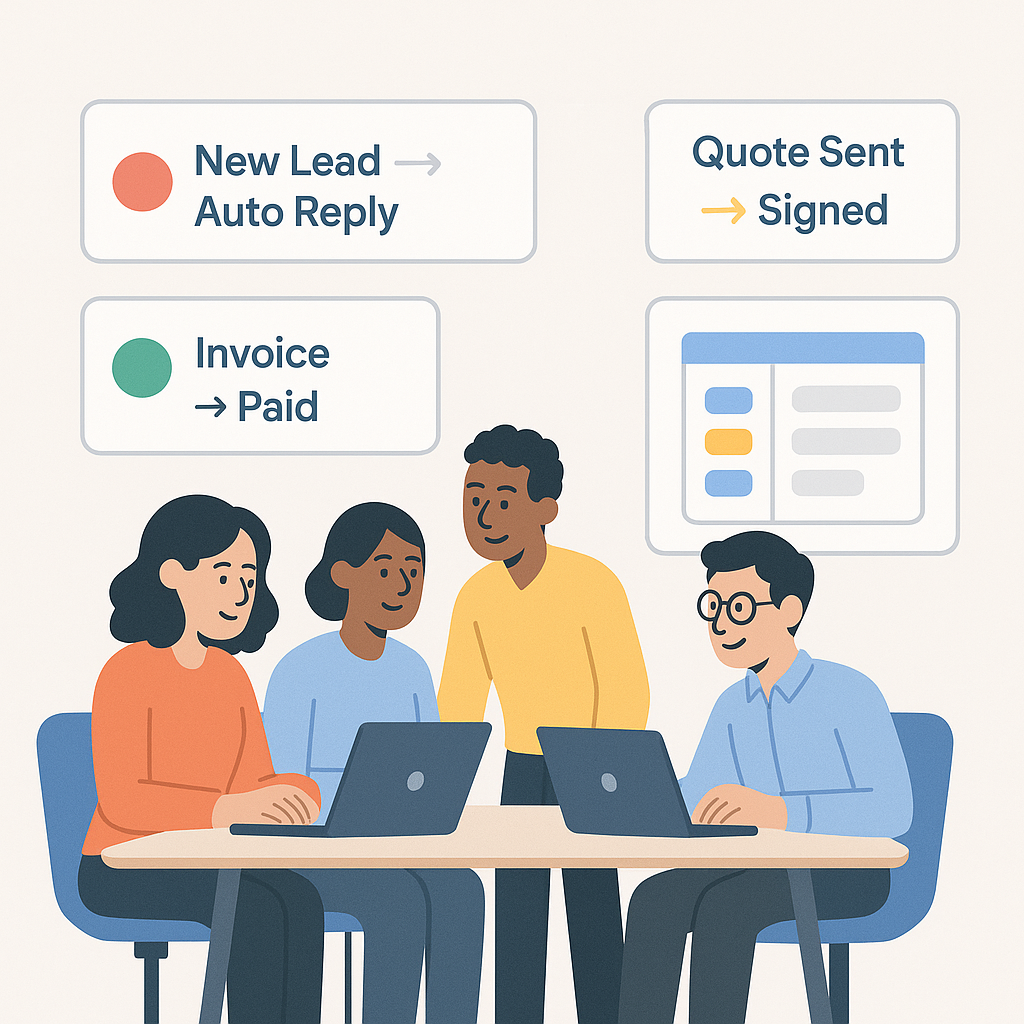
If you run a startup or small business, your day is probably full of repeat tasks: sending the same emails, following up on unpaid invoices, updating spreadsheets, reminding your team about deadlines. None of these tasks are hard — they’re just constant.
The good news? A lot of this can be automated in less than 90 days with tools that are affordable and easy to learn.
In this post, we’ll look at 5 manual processes you can automate in the next three months, step by step, using tools you probably already know: your email, calendar, CRM, project board, and accounting system. No jargon, no “digital transformation” speeches — just practical examples.
Related guide: If you’re still setting up the basics in your business, read our companion post:
– it walks you through the core tools, systems, and admin you need before you start automating.
1. New Lead Capture & First Response
Most small businesses lose leads not because the service is bad, but because no one replies fast enough.
Right now, your process might look like this:
Someone fills in your website contact form
The email lands in your inbox
You see it hours (or days) later
You manually reply and maybe forget to follow up
You can automate this entire flow:
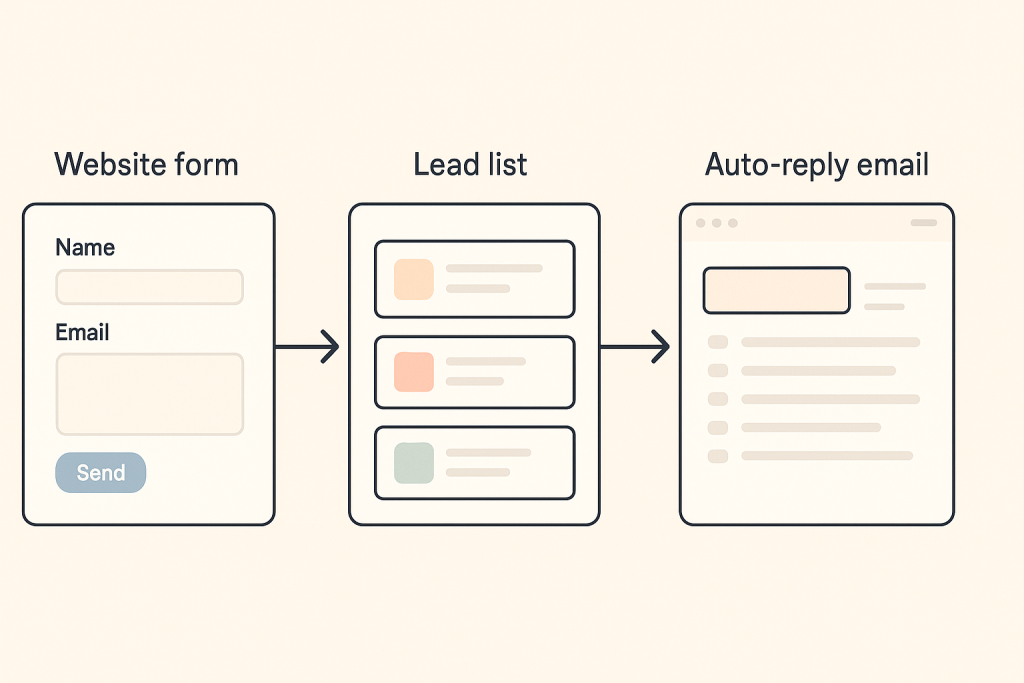
Capture the lead automatically
Use a website form (from your site builder, CRM, or a simple form tool).
Every new form submission is added to a CRM or a simple spreadsheet with name, email, phone, and what they need.
Send an instant, human-sounding reply
Trigger an automatic email that:
Thank them for reaching out
Confirms you got their message
Gives a rough response time (e.g. “We’ll reply within one business day”)
Offers a link to book a call if that fits your business
Create a task for your team
Your form can trigger a task in your project tool (Trello, ClickUp, Notion, Asana, etc.)
The task is assigned to the right person with a due date, so no lead falls through the cracks.
Result in 90 days:
Every lead gets an instant response, your database grows automatically, and you never “forget” to follow up again.
2. Proposals, Quotes & E-Signatures
Writing proposals and quotes from scratch every time is a quiet time-killer.
The manual way:
You copy an old quote in Word or Excel
You edit the client name, pricing, and scope
You export to PDF
You send it manually
You wait. Then chase. Then wait again.
Here’s how to automate most of it:
Create reusable templates
Set up templates for your most common services or packages (e.g. “Website Starter Package”, “Monthly Retainer”, “Consulting Session”).
Include standard scope, timelines, and terms so you’re not rewriting them each time.
Use a tool that auto-fills client data
Store your client details in a CRM or simple database.
Generate quotes by choosing the client + package — the system fills in names, addresses, and basic info for you.
Send for e-signature automatically
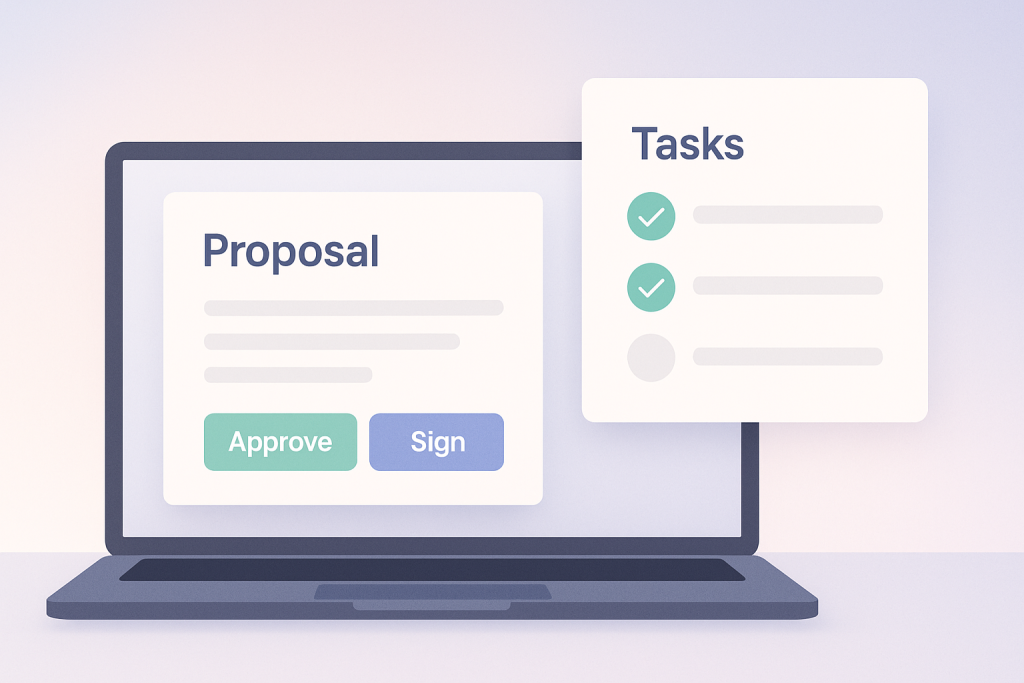
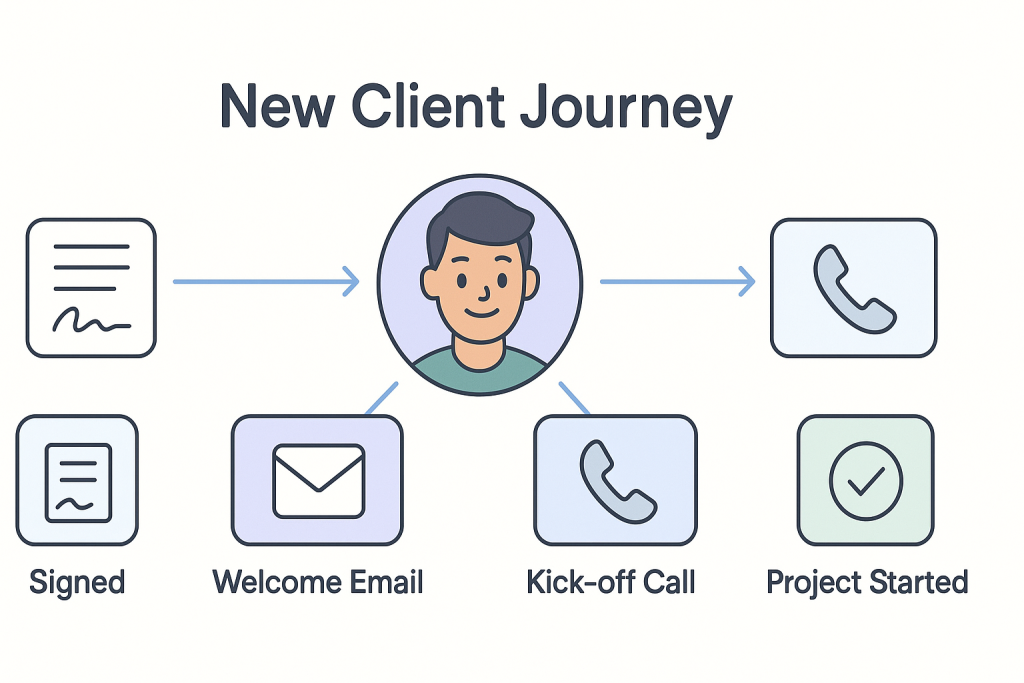
When you create a quote/proposal, it’s automatically sent as a link to sign digitally.
The client signs, you both get a copy, and the status updates from “Sent” → “Viewed” → “Signed”.
Trigger next steps when signed
Once the document is signed, your system can:
Create an onboarding task list
Draft the first invoice
Notify the team in Slack/Teams
Result in 90 days:
No more manual PDFs, fewer errors, and faster “yes” from your clients.
3. Invoicing & Payment Reminders
Chasing payments is awkward and tiring — which is why it’s one of the best things to automate.
The manual way:
You create invoices by hand
You email each one separately
You set calendar reminders to follow up
You send uncomfortable “Just following up” messages
You can automate most of this with basic tools:
Connect invoices to your client list and services
Use accounting software or invoicing tools that let you save:
Clients
Products/services
Standard prices
Set up recurring invoices
For monthly retainers or subscriptions, set the invoice to send automatically on a specific date (e.g. 1st of every month).
Automate payment reminders
Configure reminders at:
7 days before due date (gentle reminder)
On the due date
7 days after due date (polite follow-up)
The wording stays friendly and consistent, every time.
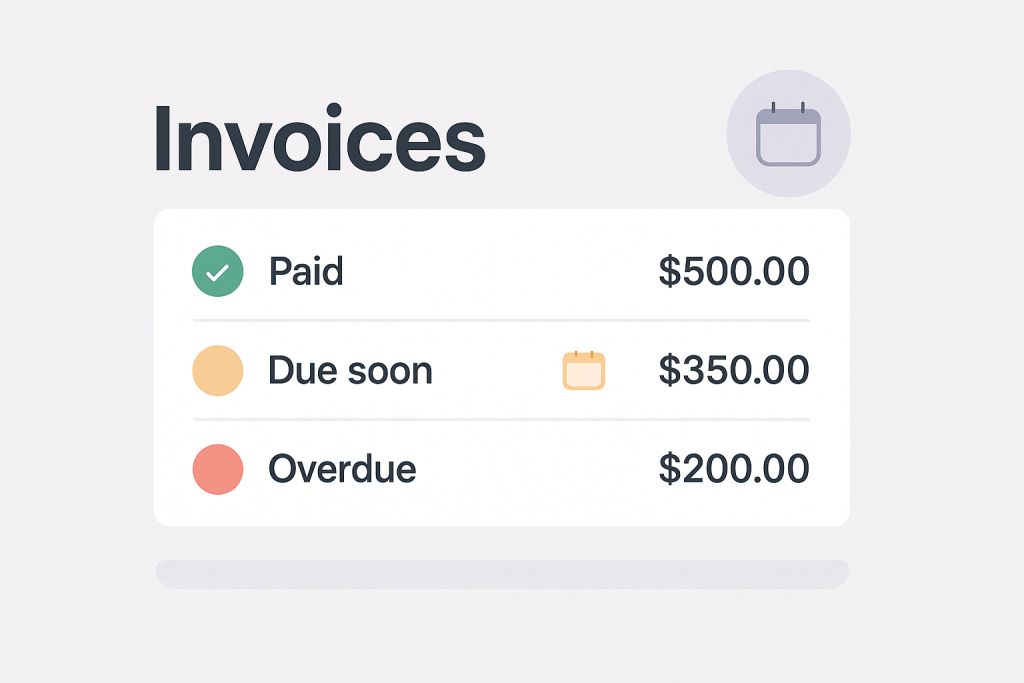
Track paid vs unpaid in one place
Your system will show which invoices are paid, overdue, or pending — without manual tracking.
Result in 90 days:
Fewer awkward chasing emails, more consistent cash flow, and a clear view of who still owes you money.
4. Client Onboarding & Welcome Packs
Onboarding is where you set the tone for the entire relationship. It’s also where a lot of businesses drop the ball with messy handovers and missing information.
The manual way:
You email a long list of questions
You chase for documents
You send your process in random messages
You forget key steps like sending logins, project timelines, or welcome info
Here’s how to automate it:
Create a standard onboarding checklist
List everything you need from every new client:
Business details
Branding (logo, colours, fonts)
Key contacts
Access details (domains, socials, tools)
Goals and expectations
Turn this into a structured form
Send one clean form instead of 10 back-and-forth emails.
Responses are stored in one place and can trigger tasks for your team.
Send an automatic welcome email
When a client signs or pays:
Send a welcome email that explains:
What happens next
Timelines and milestones
How to contact you
Links to any shared workspaces (Drive, Notion, ClickUp, etc.)
Auto-create internal tasks
New client? Your system creates:
“Kick-off meeting” task
“Set up project folder” task
“Assign project manager” task
“Configure tools/logins” task
Result in 90 days:
Every client gets the same clean, professional onboarding experience — without you personally managing every step.
5. Internal Task Handovers & Status Updates
As your team grows, it becomes harder to know who is doing what, what’s blocked, and what’s done.
The manual way:
Updates in random WhatsApp messages
Verbal handovers
Status checks in meetings
People forgetting who owns what
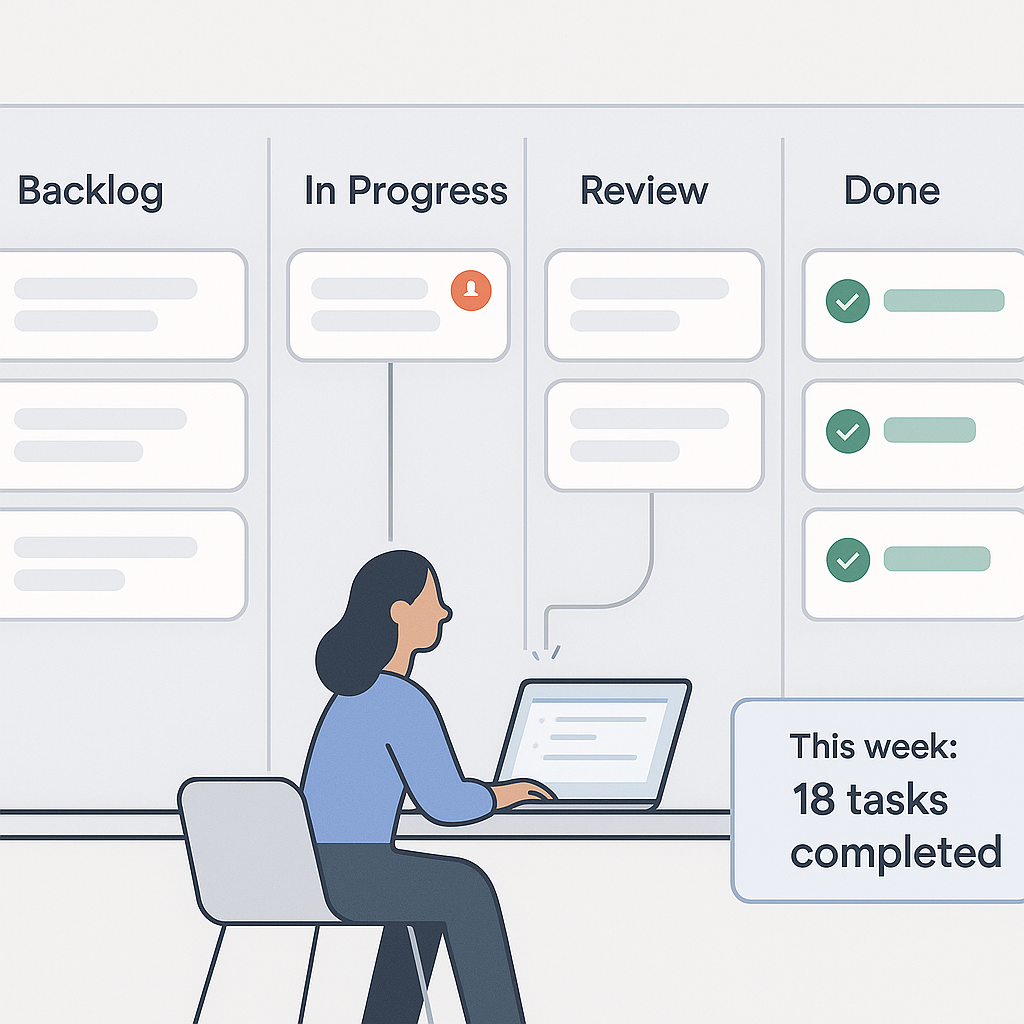
You can automate a lot of this by making your project tool the “single source of truth”:
Standardise your workflow
Create simple stages like:
“Backlog”
“In progress”
“Review”
“Done”
Automate task assignment and due dates
When a task is created (e.g. from a new client, form, or signed proposal), it:
Goes to the right board
Gets assigned to the right person
Gets an automatic due date based on basic rules (e.g. 3 days from today)
Trigger notifications automatically
Notify the team when:
A task is assigned
A task moves to “Review”
A due date is at risk
Generate simple status reports
Many tools can auto-generate:
“Tasks overdue”
“Tasks completed this week”
“Projects at risk”
Result in 90 days:
Fewer status meetings, clearer ownership, less “Did you see my message?” and more actual work getting done.
Bringing It All Together
Need help setting this up?
If you’d like support choosing the right tools, mapping your workflows, or implementing these automations in your startup or SME, we can help you design and set everything up step by step.
👉 Contact us today to book a consult and start automating your next 90 days instead of doing everything by hand.
You don’t need a giant budget or an IT department to automate your business.
In the next 90 days, you can:
Reply to every lead instantly
Send proposals and collect signatures without touching a PDF
Automate invoices and polite payment reminders
Offer a clean, consistent onboarding experience for every client
Keep your team aligned with automated handovers and status updates
The goal isn’t to replace people. It’s to remove the repetitive admin that slows your team down, so they can focus on serving clients and growing the business.
Start with one process, keep it simple, and improve from there. In three months, your day-to-day workload can look very different.